
Back to All Products
Mobile Device
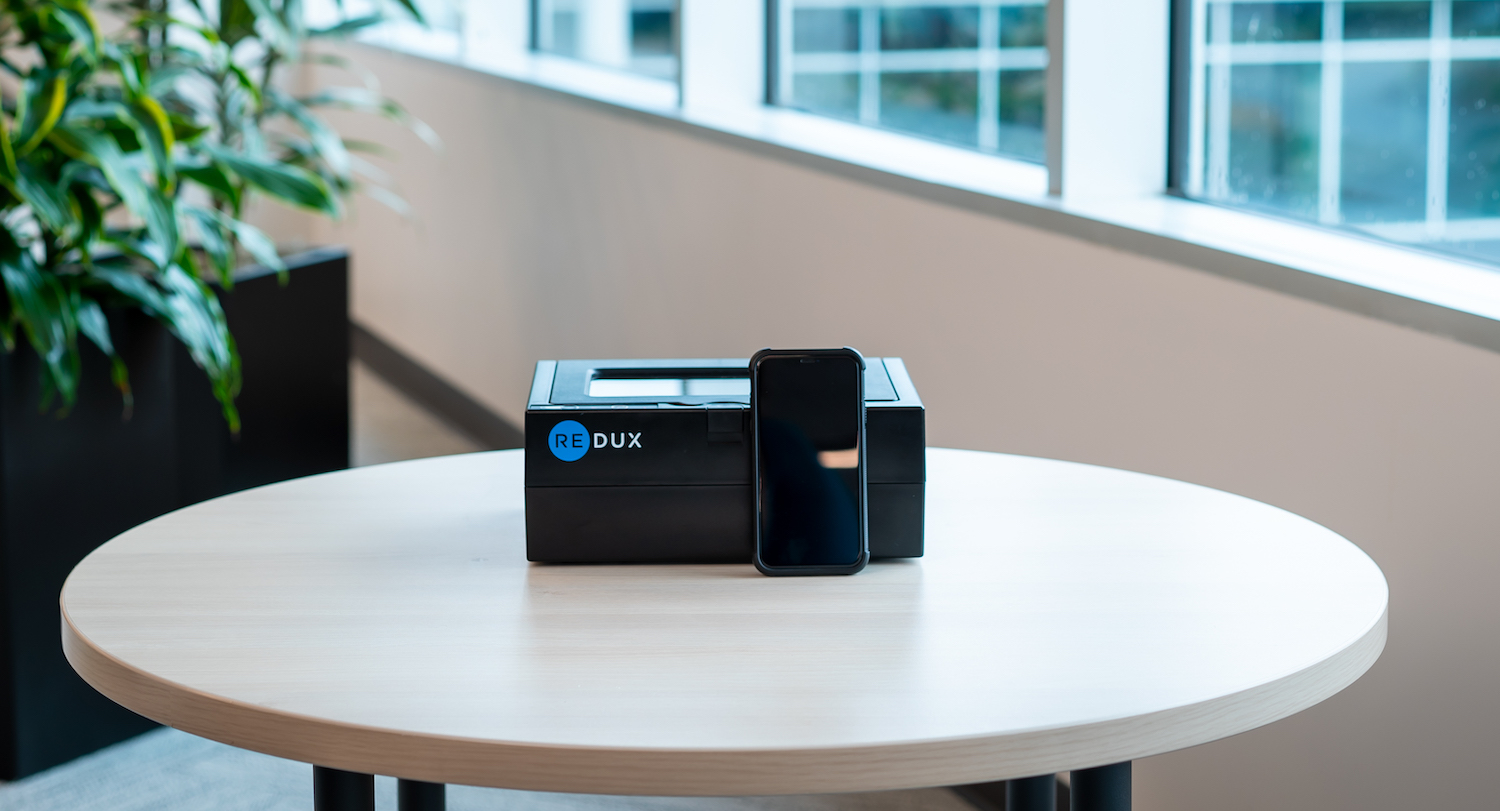
Redux Phone Dryer
Professional-grade moisture removal for water-damaged smartphones. Quick setup and reliable performance for retail and repair environments.
Overview Video
Watch this video to learn how to set up and use your Redux Phone Dryer
Troubleshooting Guide
Find solutions to common issues with your Redux Phone Dryer
Redux won't power on and no lights work
- Confirm the power supply is labeled "CUI Inc/CUI Japan" or "Redux"
- Check that the green LED on the power-brick is lit
- Ensure the cord is firmly connected at the machine and wall outlet
- Try plugging directly into a wall socket (not a surge-protector)
- To verify the outlet, plug another device into the same socket
Pressing the Start/Wi-Fi button doesn't start the drying sequence
To reset the dryer for the next 150 dry attempts, reconnect to the Demo Wi-Fi via the Redux app. This will automatically reset offline dry attempts back to 150.
Vacuum failed to reach target, gasket dislodged, or flashing "!" light
- Remove phone case; place the phone face-down in the center of the chamber. Ensure nothing touches the chamber sides or lid interior
- If using a USB-cable, ensure it does not hang over the chamber edge even if lid closes
- Locate the chamber's rubber gasket; ensure it is free of debris. Clean with water and paper towel if needed and allow to dry fully
- After cleaning and drying, verify the gasket is seated level around the chamber. Then restart the treatment
All support requests are addressed Monday–Friday between 8:00 AM and 5:00 PM (EST)
Need More Help?
Our support team is ready to assist you with any questions about your Redux Phone Dryer.