
Back to All Products
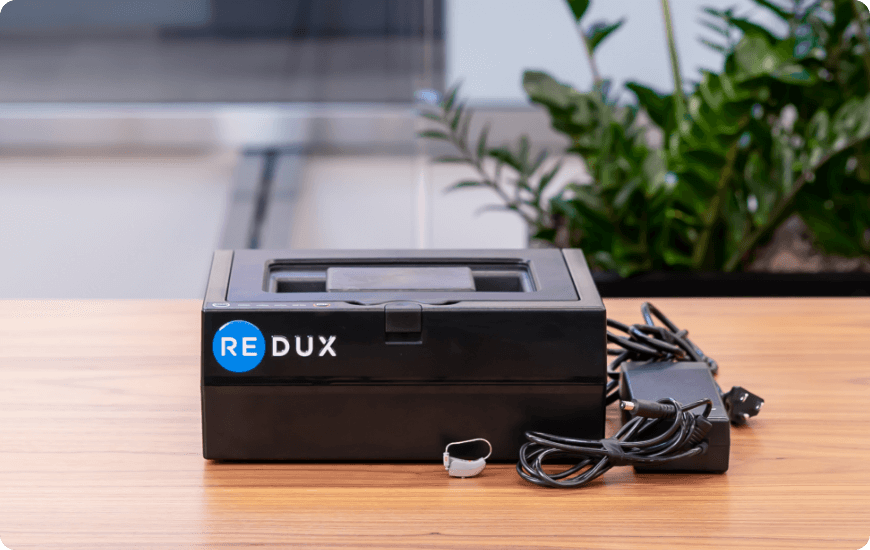
Professional Device
Redux XH Support
Access training materials, troubleshooting guides, and resources for your Redux XH Wi-Fi connected professional hearing device dryer.
Troubleshooting
Find solutions to common Wi-Fi, power, and vacuum issues
Wi-Fi Setup
First Time Wi-Fi Connection
- Search for available Wi-Fi networks from a phone, tablet, or computer. Connect to the network starting with "Redux-Xh-R". Enter password: Redux123. You may see a "no internet access" notification — this is normal.
- While connected to "Redux-Xh-R", open a browser and go to Reduxdry.net. Select "Connect to Wi-Fi", choose your network, enter password, and click Save.
- The "Redux-Xh-R" network should disappear and your device will reconnect to your Wi-Fi. If "Redux-Xh-R" reappears, the password was incorrect — repeat step 2.
Wi-Fi
Wi-Fi Reconnection
- Unplug the Redux power cord and leave unplugged for 2+ minutes. Keep the lid closed.
- Plug power back in. Wait for the flashing blue comms light to become solid blue (Wi-Fi connected).
- Wait for the first vacuum pull to complete (drying light flashes). Once off, press "Open" to release vacuum. System is ready.
Power Fault
24V DC / i2C Trip / Fault
Unplug the system for 2 minutes with the lid closed. After reconnecting:
- Wait for solid blue comms light
- Wait for first vacuum pull to complete
- Press "Open" to release vacuum
- System is now ready
Vacuum Fault
Vacuum Failed to Reach Target
- Check placement: Open the lid and ensure aids are within the rectangular guide area (max two aids per cycle). Adjust if needed and retry.
- Clean gasket: Unplug from back, check the rubber gasket is seated evenly. Clean gasket and lid interior with a damp towel or alcohol prep pad. Wait 30 seconds.
- Reconnect: Plug back in after 2 minutes unplugged. Wait for first vacuum pull to complete (drying light flashes). Once off, press "Open". System ready. Do NOT press "Start" until calibration finishes.
Start Button
Start Button Won't Work
Upon power-on, the system undergoes a vacuum pull and chamber calibration (drying light flashes). During this time, the unit will not accept a "Start" command.
Solution: Wait until the drying light turns off, then press "Open" to release vacuum. After that, the system is ready to begin treatment.
Need More Help?
Our support team is ready to assist you with any questions about your Redux XH device.