
Redux Pro Link Support
Access training materials, troubleshooting guides, and resources for your Redux Pro Link app-connected hearing device dryer.
Download the Redux Link App
Connect your Pro Link to the Redux Link app for real-time treatment monitoring, patient data tracking, and seamless clinic management.
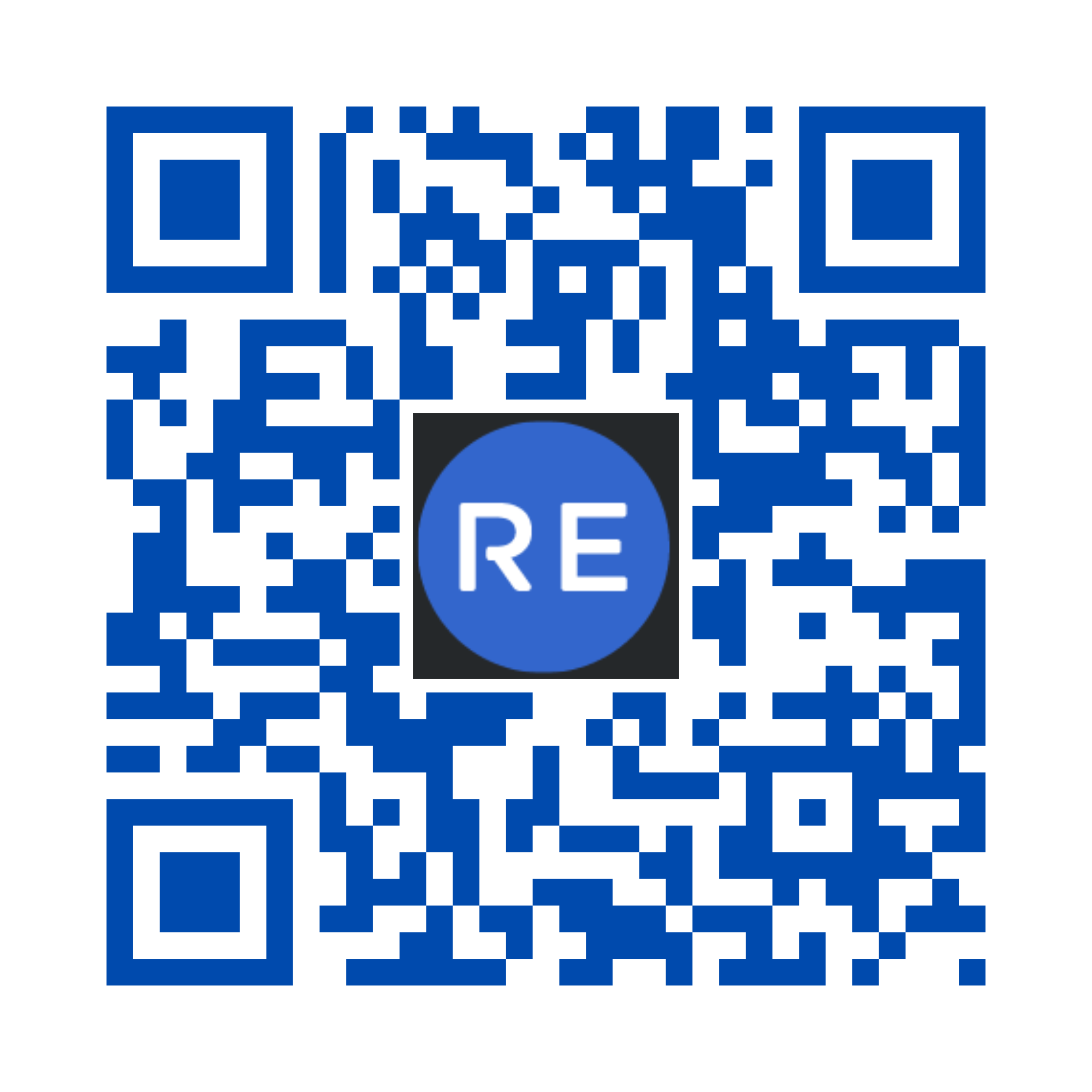
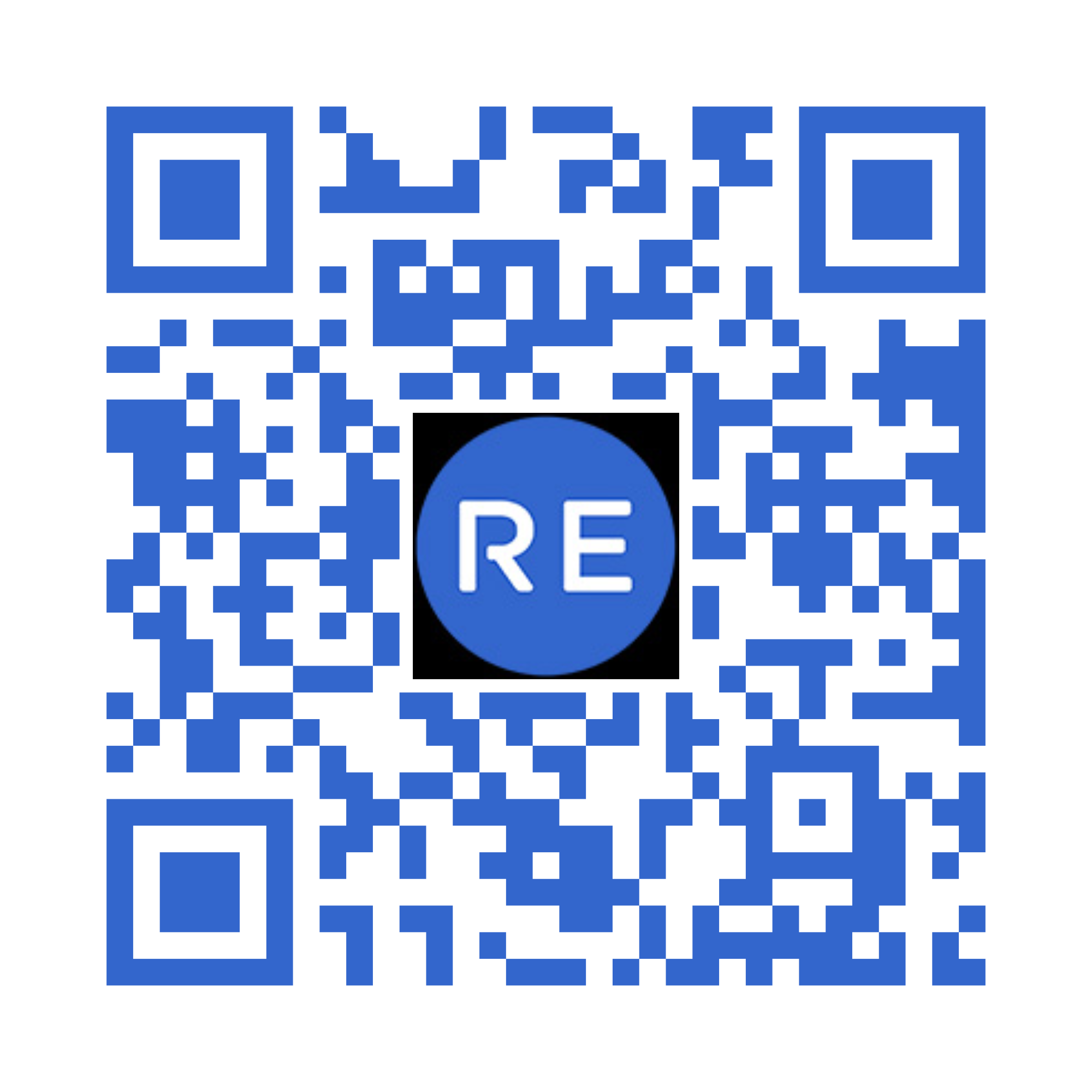
Tip: Scan the QR code with your phone's camera to go directly to the app store, or tap the button to open in a new tab.
Troubleshooting
Find solutions to common error codes and connectivity issues
System Reset Required
Unplug your Redux system for 15 seconds. Plug it back in and retry treatment.
Vacuum Seal Issue
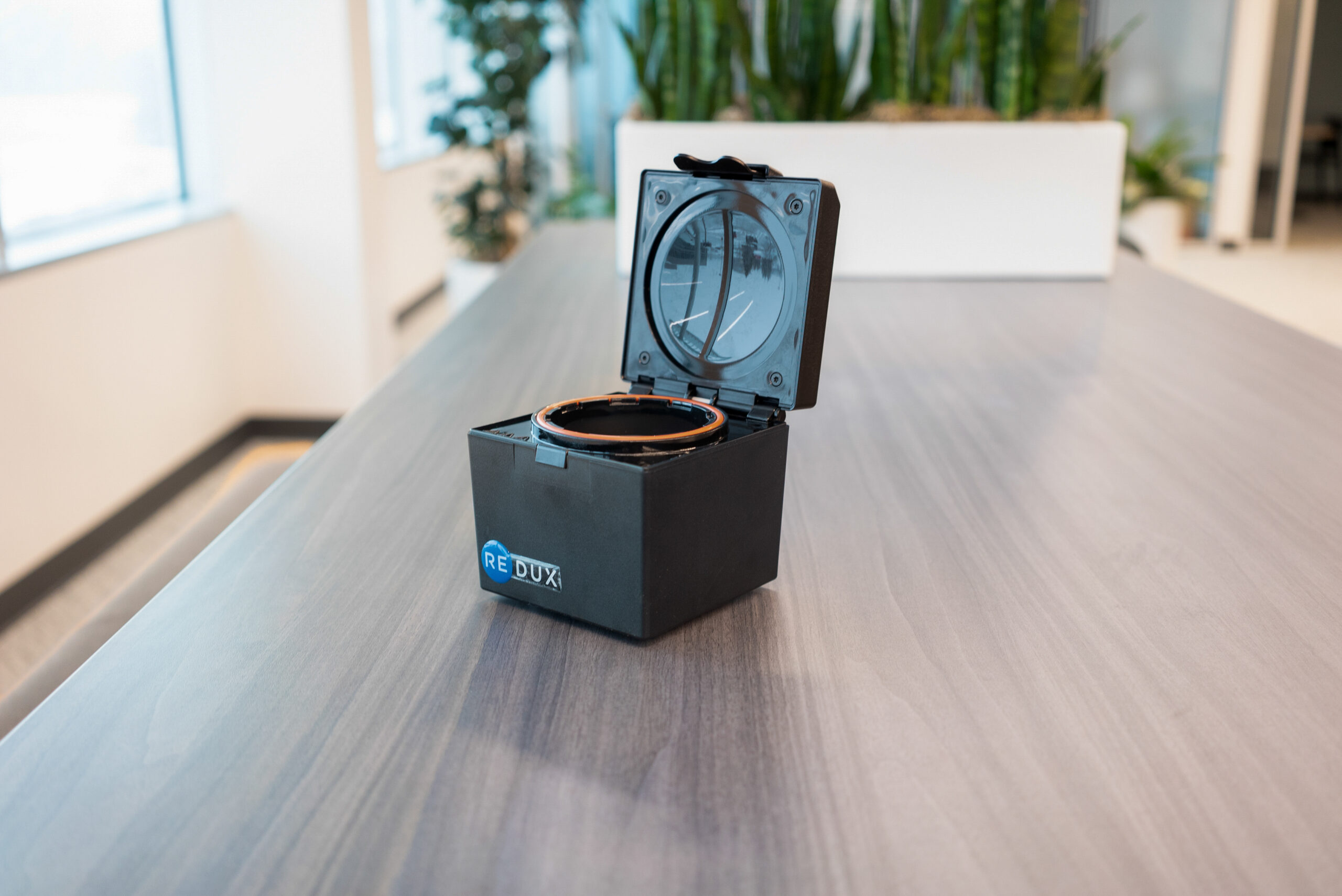
Locate the orange rubber gasket inside the chamber. Do not remove it. Clean the gasket and the inside top of the lid using a damp towel or alcohol prep pad. Wait 30 seconds, then retry treatment.
Communication Error
Unplug your Redux system for 15 seconds. Plug it back in and retry treatment.
Can't Locate Dryer to Connect
If the Bluetooth light is NOT on:
- Press "Search" in the Redux app to refresh the list of available dryers.
- If that doesn't work, close and reopen the Redux app.
- If still not working, unplug Redux for 10 seconds then reconnect power.
If the Bluetooth light IS on:
- Press and hold the Bluetooth button until the blue light goes off (approx. 3-5 seconds).
- Use the Search function in the Redux app to find a dryer to connect to.
Need More Help?
Our support team is ready to assist you with any questions about your Redux Pro Link device.