
Redux Home Support
Everything you need to get the most out of your Redux Home hearing device dryer. Access the user guide, watch tutorials, and learn proper care techniques.
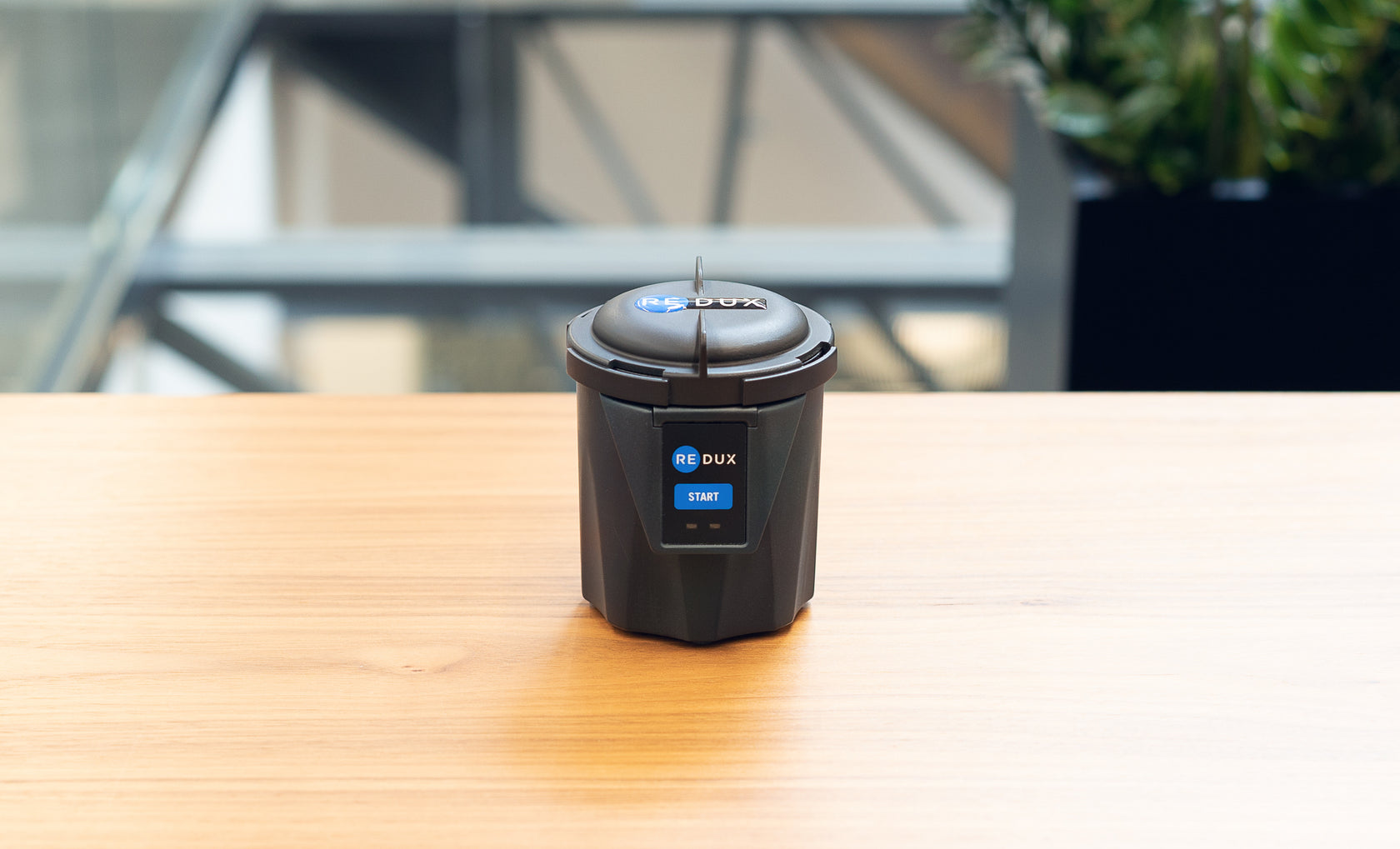
Watch & Learn
See how to set up and use your Redux Home dryer
User Guide
Everything you need to know about using and caring for your Redux Home
Starting Your Redux Home
Press the Start button until the blue light turns on. The light will remain on during the drying process.
Troubleshooting
If the front panel flashes orange, unplug the dryer for ten seconds and reconnect using the original power supply.
If the issue persists after reconnecting, please contact support below.
Dos and Don'ts
- Keep the lid on the dryer when not in use
- Clean the drying chamber using 70%+ isopropyl alcohol (IPA) or cleaners made for hearing devices
- Do not dump or pour liquid inside the dryer — this can cause damage and may void warranty
- Only use the power supply provided by Redux — other power supplies can cause damage and void warranty
- Do not use the USB-C port on the back — it is for internal testing only
- Keep the dryer plugged in between uses — first dry may take longer after extended idle time
- Do not use the dryer if the power supply is damaged or frayed
- Wipe excess moisture from devices before drying to reduce dry time
Maintenance & Cleaning
Important: Never spray or pour liquid directly into the chamber. Always unplug the unit before cleaning.
- Inside drying chamber: Wipe periodically with 70%+ isopropyl alcohol
- Outside container: Wipe the exterior with a clean microfiber cloth
- Button pad: Do not use IPA or solvents. Lightly mist a microfiber cloth with screen cleaner, wipe gently, then dry with a clean cloth. Avoid abrasive cleaners or sharp objects.
Need More Help?
Our support team is ready to assist you with any questions about your Redux Home dryer.